Live Camera Control
Control ISO, shutter, and aperture, see lens information, and save camera presets. Lock the setup you trust.
Built for Capture One on Mac. Capture One is required and sold separately.
Keep camera settings consistent, run capture sequences, and track your session from one compact Mac toolbar. Add Suite to bring the workflow to iPhone, iPad, and Apple Watch.
7-day trial at launch. No card. No automatic charges. Check availability

Enlarged details from the actual Mac toolbar, before a session is assigned. Select a detail to view the complete strip.
Features
Control the camera, organize each setup, and follow your files without leaving the workflow.
Control ISO, shutter, and aperture, see lens information, and save camera presets. Lock the setup you trust.
Keep camera and lighting setups, set notes, and useful production details together so you can return to the right setup throughout the shoot.
Automate exposure brackets, focus brackets, and plate capture sequences without breaking the flow of the shoot.
Run your Capture One scripts from six quick-access slots. Save and load preset script combinations instead of searching through menus.
Follow image counts and selects in the capture folder or session. Compare two approved folders to spot missing or mismatched files.
Record light groups, labels, modifiers, and power settings for each setup. Keep lighting details with the Set, not in a separate notebook.
Keep reference images, call sheets, and shot lists within reach of the current session. References are separate from the lighting settings in Light Table.
Approve View Only or Control access for iPhone and iPad on the Mac. Apple Watch follows through its paired iPhone.
Fits your workspace
Orient Capture Companion horizontally at the top or bottom of the screen, or vertically along either side. Choose the position that keeps your controls within reach without covering the Capture One workspace you are focused on.
Suite on iPhone & iPad
Studio brings camera settings, folders, and set notes to your approved mobile devices. Companion apps are awaiting public release.
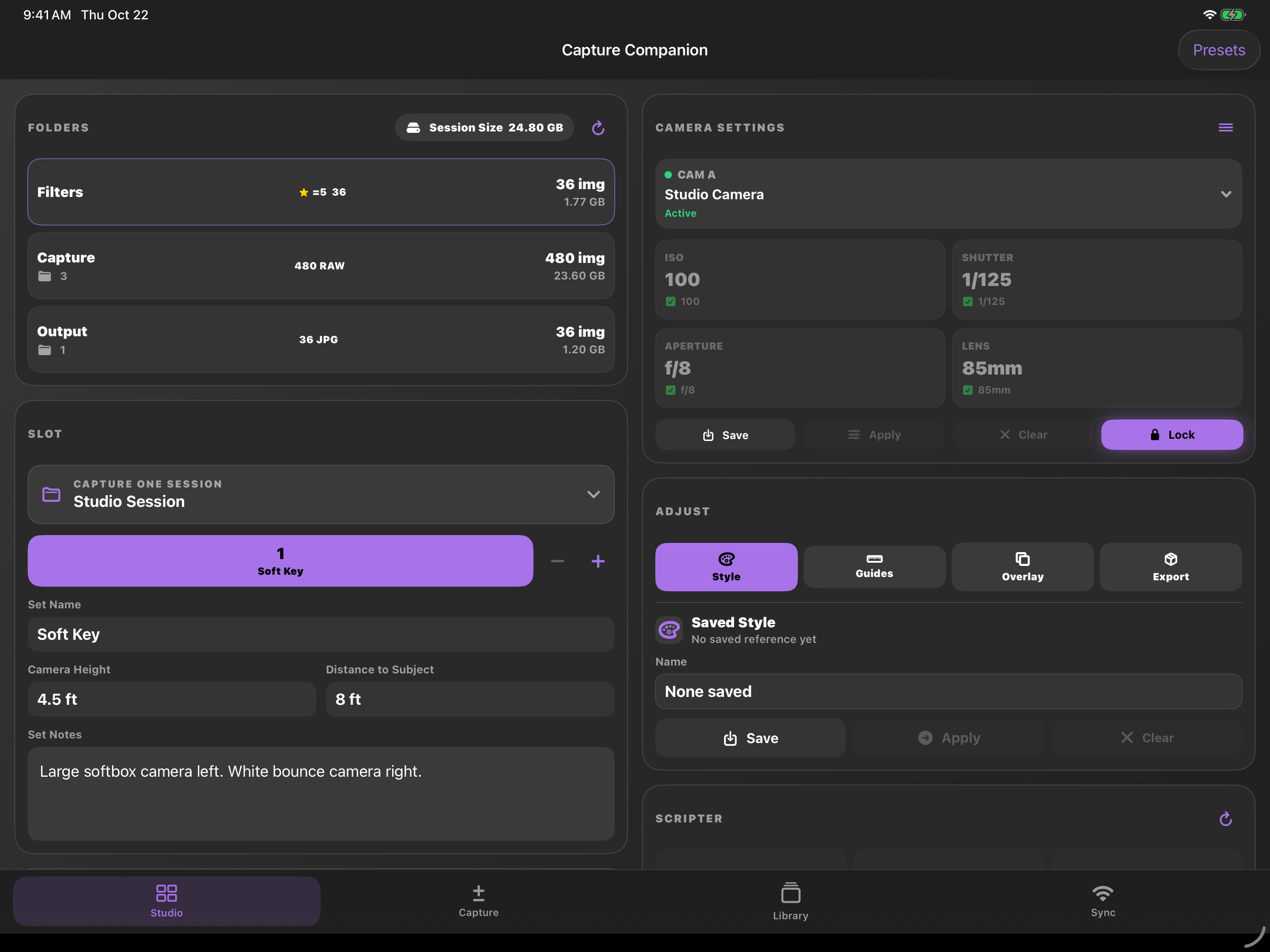
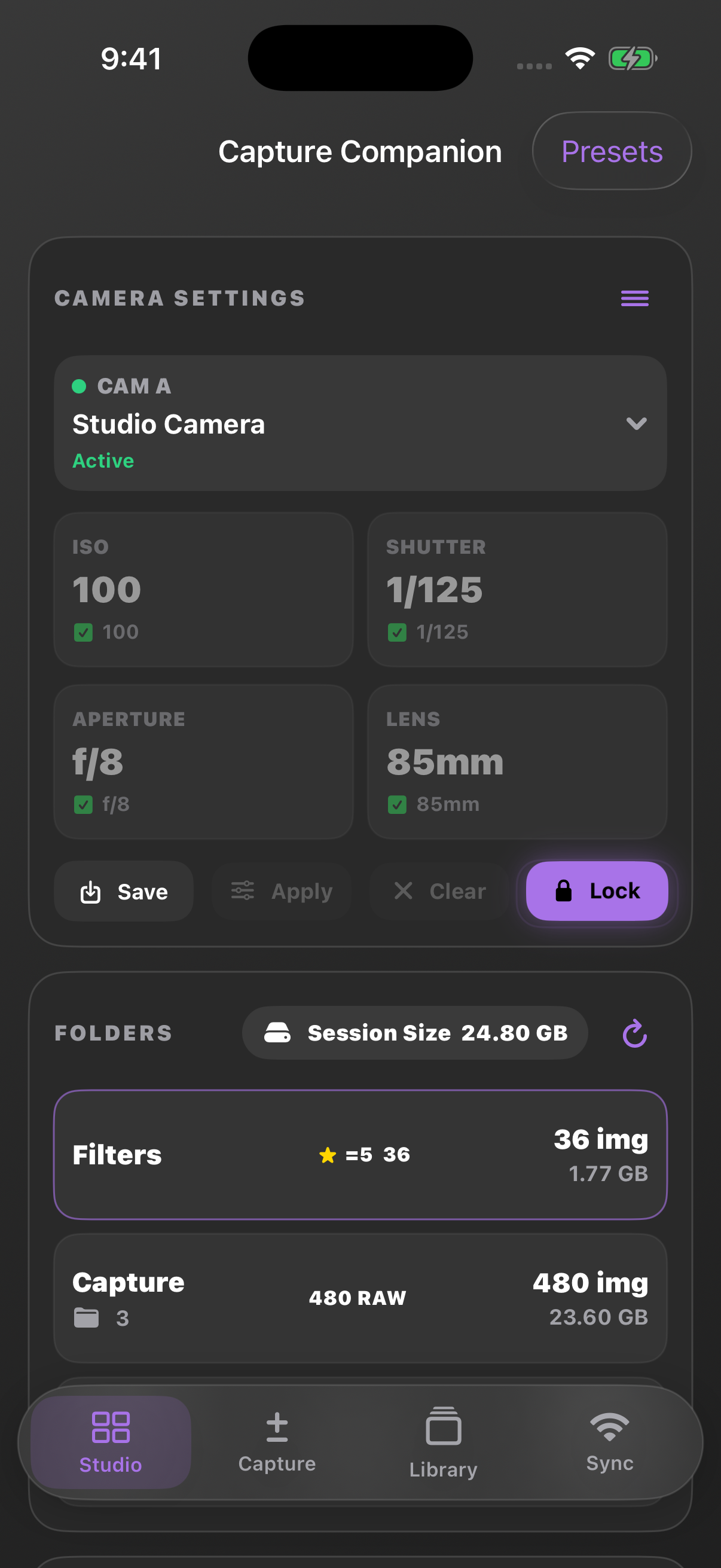
Actual app screens with sample data. Select an image to see it full size.
Mac + Apple companions
Suite adds iPhone, iPad, and Apple Watch access to the Mac workflow. The mobile apps are free companions that require an active Suite plan or trial and a connected Mac. Approve iPhone and iPad access on the Mac; Apple Watch uses its paired iPhone's connection.
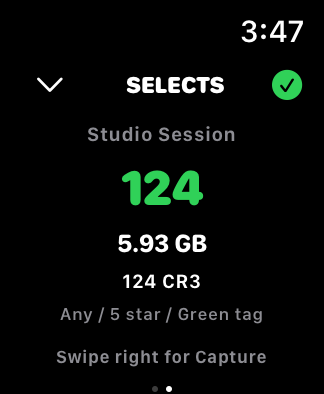
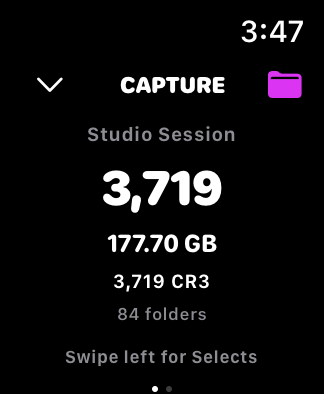
Folder readouts through your paired iPhone. Screens shown with sample data.
The Mac workspace
Switch between capture modes, scripts, and production references without opening a separate workspace.

Enlarged details from the current Mac app before assigning a session. Select either image to see the complete toolbar.
Questions, answered
Yes. Capture Companion is an independent companion app designed to work in conjunction with Capture One. Capture One is required, is not included, and is sold separately. Camera control depends on the features exposed by Capture One and your camera. See Downloads & Requirements for release availability; the tested Capture One version range is still being validated.
The Mac plan includes Capture Companion for Mac on macOS 14 or later. Suite adds access on iPhone and iPad devices running iOS or iPadOS 17 or later and Apple Watch models running watchOS 10 or later. Apple Watch requires Capture Companion on its paired iPhone, connected to the Mac.
Open Capture Companion on the iPhone or iPad and request access while it is on the same trusted local network as the Mac. Approve the request on the Mac to open a synchronized view of the active workflow. Apple Watch uses its paired iPhone's approved connection; it does not connect directly to the Mac or request separate approval.
Sign in with the same Capture Companion email you used on the website, then register the device in the app. Manage or deactivate registered devices from your website account page. iPhone, iPad, and Apple Watch access requires an active Suite plan or trial and a connected Mac; Apple Watch connects through its paired iPhone.
Paid subscriptions are purchased on this website through Stripe. Sign in to your website account to manage billing, update payment details, or cancel renewal. Contact Support for a plan change. The mobile apps are free companions, with no in-app purchases; an active Suite plan or trial and connected Mac are required to use them.
Eligible new accounts get one 7-day free trial. No payment information is required, and the trial ends automatically without charging you. Licensed app features stop when the trial ends, and the app lets you know. Choose a paid plan on the website only if you want to continue.
Built for the whole shoot
Mac covers the desktop workflow. Suite adds iPhone, iPad, and Apple Watch access. Try either plan for 7 days. No card required, no automatic charges.